

Getting under 100 KB without wrecking the photo
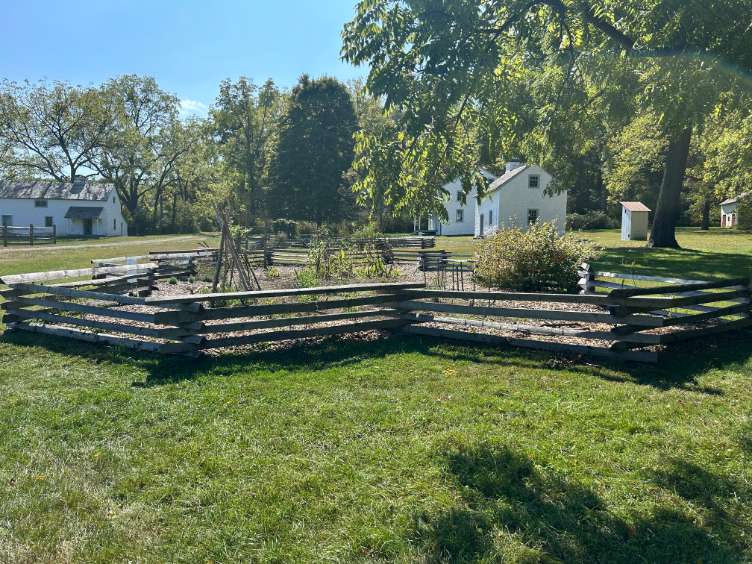
100 KB is one of the most common upload limits on web forms. The tool first tries quality alone (95% down to 60%). If that is not enough, it reduces the dimensions just enough to fit at 60% quality. For a full-size phone photo that means a long edge of roughly 750–1400 px, depending on detail. See the real example below.
The result panel shows original and final size, dimensions and quality — no guessing about what happened to your file.
Before you compress
- If the form also has a pixel-size requirement, resize or crop to it first, then compress.
- Transparent PNG logos: keep PNG output to preserve transparency, or switch to JPG for a smaller file on a white background.
- Use the “Custom” option if your limit is slightly different (for example 120 KB).
How the target-size compression works
- Your browser decodes the image (EXIF orientation is applied, metadata is not carried over).
- For JPG output we search for the highest encoder quality between 60% and 95% that fits under your target.
- If even 60% quality is too large, we reduce the pixel dimensions just enough to fit at 60%. Below about 60%, JPG shows blocky artefacts, so a slightly smaller, clean image is the better trade. Only for very small targets does quality go lower, never below 30%.
- The search stops after a fixed number of attempts or about 20 seconds, so a phone never locks up. If the target was not reached, you get the closest result and an honest warning.
Frequently asked questions
Is my image uploaded to a server?
No. The image is read into your browser’s memory, compressed with the browser’s own canvas encoder, and handed back to you as a download. There is no upload endpoint at all. You can check this yourself in your browser’s developer tools (Network tab) — the privacy page shows how.
Is the output exactly 100 KB?
It is at most 100,000 bytes, usually a little under. We count 1 KB as 1000 bytes on purpose: the file then passes whether a site counts 1 KB as 1000 or 1024 bytes. We aim for the largest file that fits, because a larger file at the same dimensions means higher quality.
What if the image can’t get under the target?
You’ll see the closest size we managed and a clear message that the target was not reached. We never label a file as “done” when it is over the limit. Larger targets, JPG output or a smaller source image usually solve it.
Will the result be accepted by the site I’m uploading to?
This tool changes file size and pixel dimensions only. It does not check whether a photo meets any organisation’s or form’s content rules (background, framing, etc.). Always check the requirements of the site you are uploading to.
Why did my PNG get smaller in pixels instead of quality?
PNG is a lossless format, so there is no quality setting to lower. To reach a size limit we reduce pixel dimensions. If you can accept JPG, switch the output format: JPG gets much smaller at the same dimensions, but transparent areas turn white.